







Masking sensitive data is one of the most effective methods to protect PII, however, not every technique is created equal. Learn the ins and outs of PII Masking and which form works best for you.
What is PII Masking?
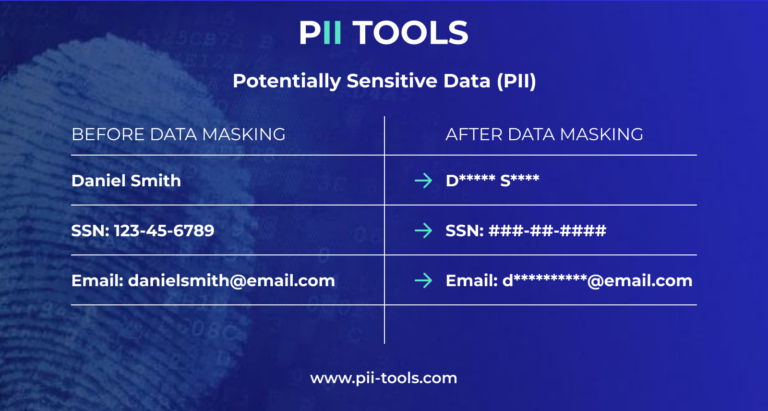
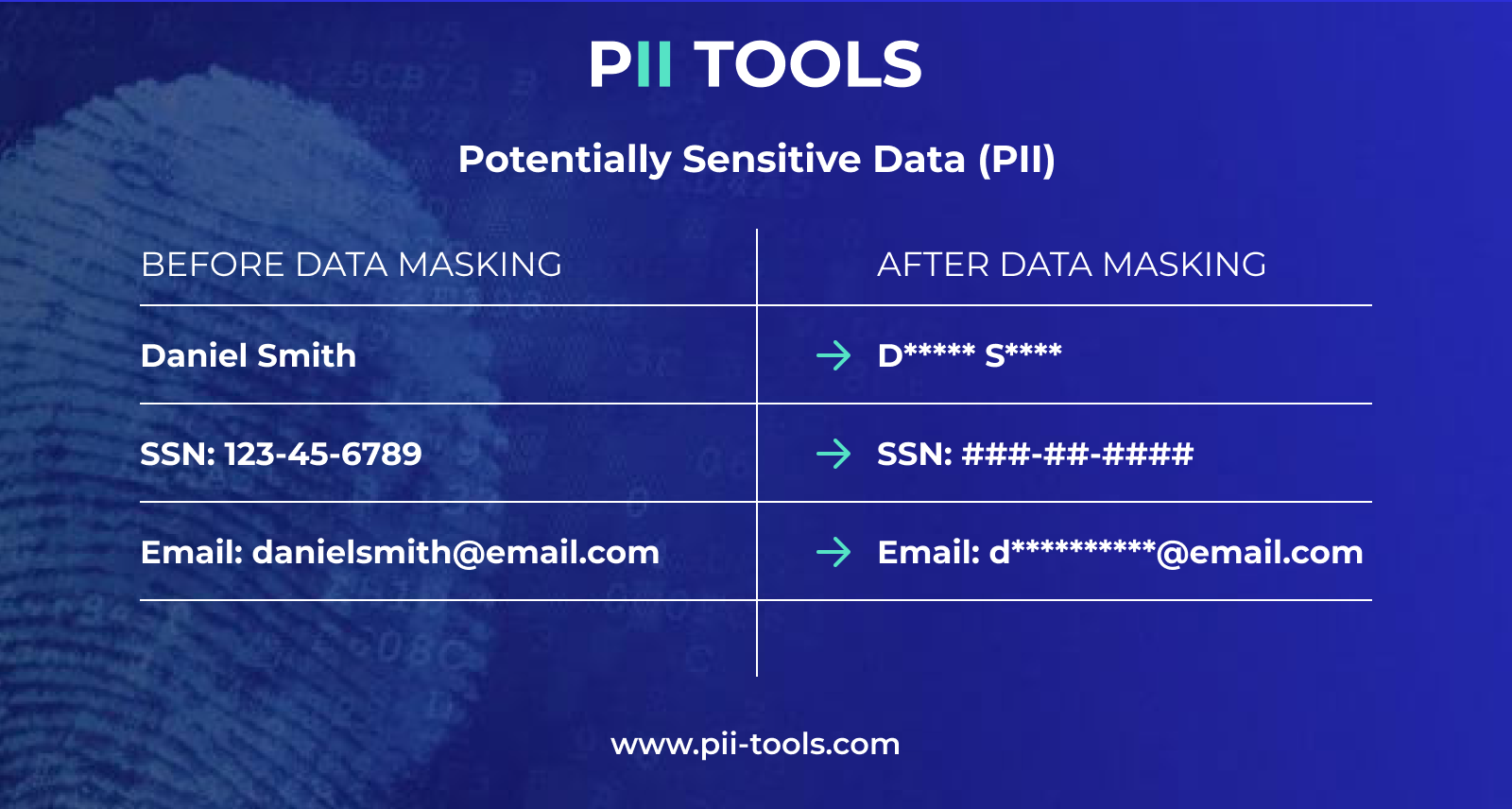
Data or PII masking is a non-reversible transformation process that “masks” sensitive data by partially or fully replacing characters with a symbol, such as an asterisk (*) or hash (#).
The goal of PII masking is to remove any sensitive information while maintaining the same data structure. And since this structure is preserved, this potentially at-risk data can still be used in various applications without it being directly visible to unauthorized individuals.
If you’re interested in a more “big-picture” breakdown of PII masking, be sure to check out our article Data Masking.
5 PII Masking Techniques Explained + Examples
There are seemingly countless ways to achieve PII masking, some better than others. These are the TOP 5 PII masking techniques widely used today.
1. Substitution – Replaces sensitive PII with realistic but fake data, placeholders (like ‘X’s), or scrambled values.
| Original: | 742 Evergreen Terrace, Springfield, IL 62704 |
| Substitution: | 123 Maple Avenue, Springfield, IL 62704 |
In this example, the PII masking technique of Substitution keeps the same city, state, and ZIP, however, it masks the original data by substituting the street name and number.
Substitution is useful when you want to replace sensitive PII with safe, realistic-looking alternatives rather than simply hiding or deleting it. However, it is irreversible, something to keep in mind when using any PII masking method.
2. Shuffling – Scrambles sensitive personal data by randomly rearranging values with others, preserving the statistical patterns but breaking the link to the original.
| Original | 101 | Alice Brown | [email protected] | 555-1234 |
| 102 | Bob Smith | [email protected] | 555-5678 | |
| 103 | Carol Jones | [email protected] | 555-9012 |
| Shuffled | 101 | Carol Jones | [email protected] | 555-5678 |
| 102 | Alice Brown | [email protected] | 555-1234 | |
| 103 | Bob Smith | [email protected] | 555-9012 |
The PII masking technique of Shuffling keeps the sensitive data real-looking while also preserving all data distributions. This means the PII is still useful for testing, analytics, etc.
Unlike some of the other methods of PII masking, Shuffling doesn’t fully replace or erase any PII. This is both its advantage and disadvantage. The PII can still be used in many instances, but it would require further PII masking to fully protect it. For instance, only using PII Shuffling would still leave critical information, such as social security numbers (SSN), at high risk.
3. Nulling Out – Replaces PII fields with null (black or empty) values, effectively removing the data while keeping its database structure intact. Typically used for high-risk data.
| Original | 101 | Alice Brown | [email protected] | 555-1234 |
| Nulled | NULL | NULL | NULL | NULL |
The method of Nulling Out is one of the highest forms of PII masking. It’s often used to protect our most sensitive data, e.g., healthcare records, SSN, financial information, etc.
Although Nulling Out is highly effective and easy to implement, it’s non-reversible and completely nullifies the data’s analytical usefulness. Use this form of PII masking when sharing protected information externally or even in GDPR compliance, but only when you’re 100% sure you won’t need it again.
4. Number Variance –Obscures numerical data (e.g., salaries, transaction amounts, ages, etc.) by altering the original values by a random percentage or range.
| Original | Alice | 990-04-12 |
| Number Variance | Alice | 1990-04-23 |
This technique of PII masking introduces a small, controlled change to any numeric PII, thereby keeping the values realistic but no longer exact.
It’s a useful technique for large datasets that only include numbers, analytics, test environments, etc. Compared to the previous types of PII masking, Number Variance is a better option for preserving statistics, however, it’s also irreversible.
5. Masking Out – The final top method of PII masking is likely the most well-known. Masking Out hides part of or all of a value with placeholder characters like *, X, or # while often maintaining the original format.
| Original | Alice Brown – SSN | 123-45-6789 |
| Masked Out | Alice Brown – SSN | XXX-XX-6789 |
This form of PII masking typically leaves a few of the original values, thus making it recognizable to authorized individuals.
We often see Masking Out used in customer-facing applications. For instance, banking apps show a client’s masked-out debit or credit card number, with only the final four digits left untouched.
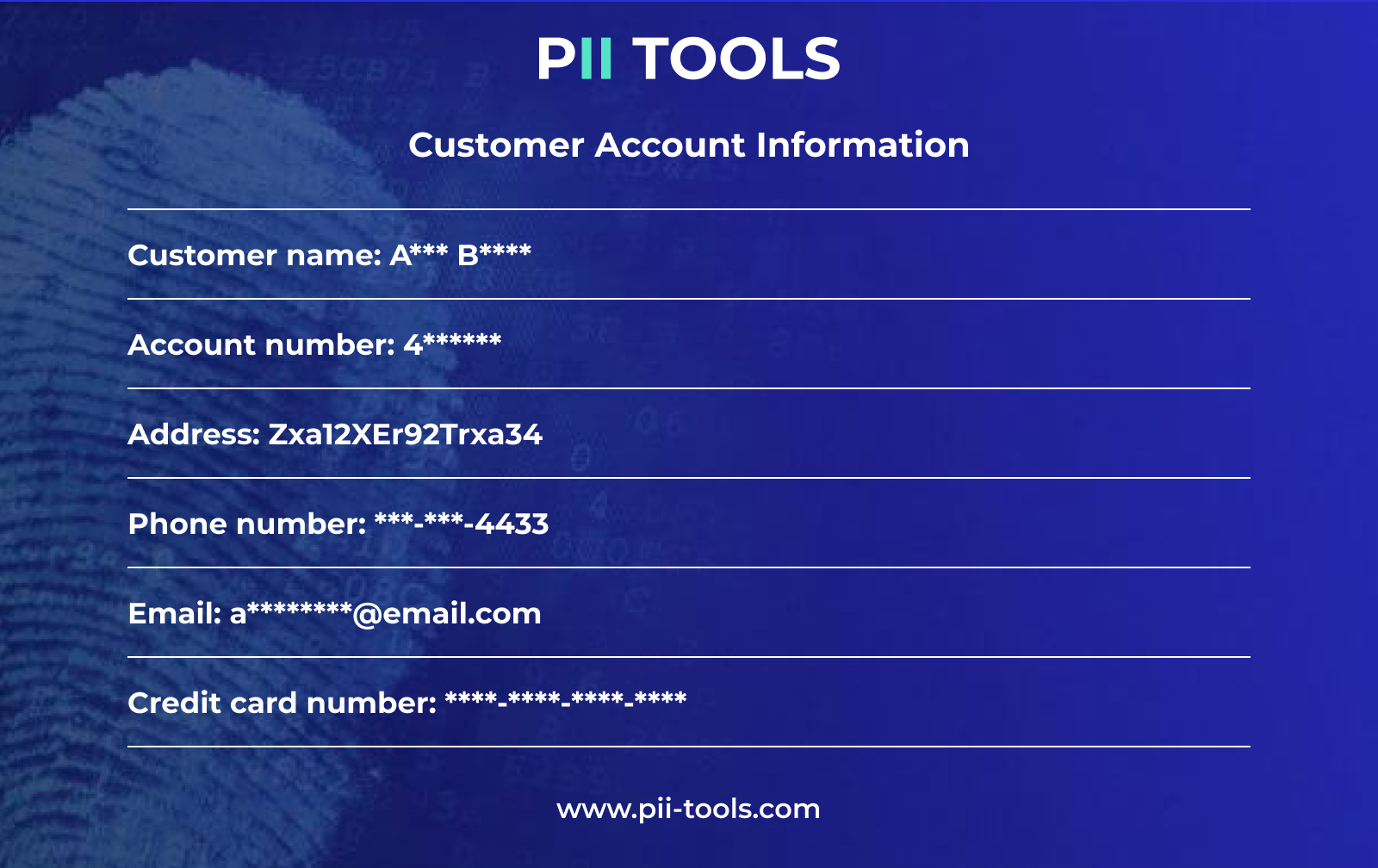
Masking Out is also often used internally in businesses’ logs and monitoring systems, as well as reports and dashboards. However, masking out replaces much of the original data, making re-identification or data usage across various systems impossible.
PII Masking Tool
Of course, these aren’t all the ways to mask PII. In fact, PII masking is only one subset of the overarching ‘PII Redaction’, which includes tokenization, encryption, data anonymization, data de-identification, and so much more.
And the goal of all these methods is simple: Remediate sensitive data from unauthorized eyes and store it in accordance with relevant PII regulations. That’s where PII Tools comes in.
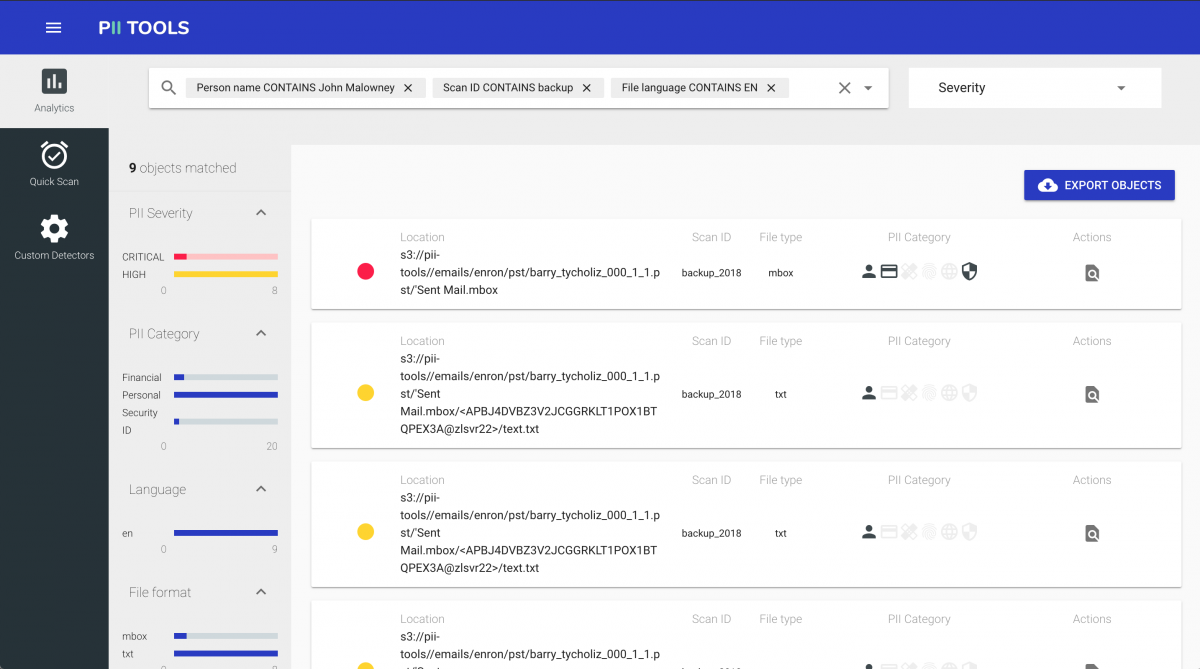
PII Tools is sensitive data discovery software that scans your data storages to locate and remediate all forms of PII across your digital assets. Users implement PII Tools into their workflows to uncover at-risk data (non-regulatory-compliant data) and redact or erase it, individually or in bulk.
Protect Your PII
Whether you opt for Shuffling, Nulling Out, quarantining, or even fully deleting all of the at-risk data in your environment, you and your company will always be better off for doing so.
Protecting sensitive data is key to safe business practices, not to mention keeping the big data security regulators off your back.
And PII Tools can help you achieve all this and more. Give it a try for yourself, and take your PII security to the next level!
CTV: Got Loads of Data? Get a FREE DEMO of PII Tools, and Start Remediating Today!