









Adding sensitivity labels to files in Microsoft Purview is a known pain point for many users. The issue is so bad that Microsoft even had to put out a dedicated article describing these “known issues”.
That’s why PII Tools now offers Microsoft Purview integration with automatic sensitivity label inclusion. Check it out!
Microsoft Purview Problems
Having the correct sensitivity label on a file with at-risk data or even classified information can mean the difference between a tightly sealed environment and a full-on data breach.
Unfortunately, many Microsoft users have complained about Purview’s auto-labeling features. Purview users frequently experience significant delays in policy application, high amounts of false positives demanding manual reviews, and complex troubleshooting for server-side labeling in SharePoint/OneDrive.
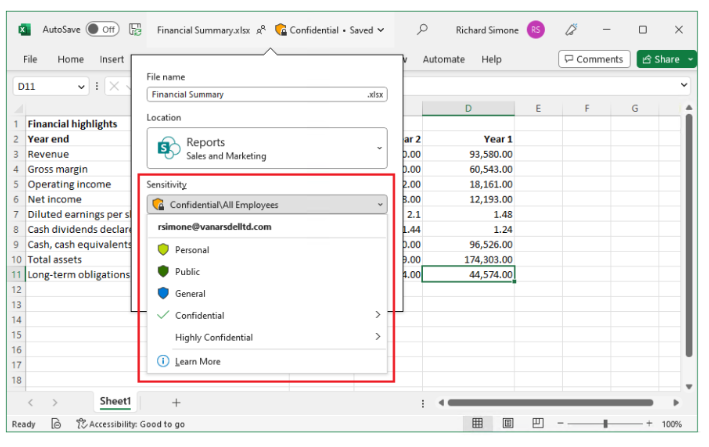
The issue even got so bad that Microsoft had to issue a full article on “known issues with sensitivity labels in Office” in 2025. But if you have any experience with Microsoft Purview, then you’re well familiar with the problems – so let’s get to the solution.
PII Tools + Microsoft Purview Integration
The sensitive data discovery software, PII Tools, saw a recent update to v5.5.03. And the update’s main star: Purivew sensitivity labels can now be applied to all documents in bulk directly from within PII Tools.
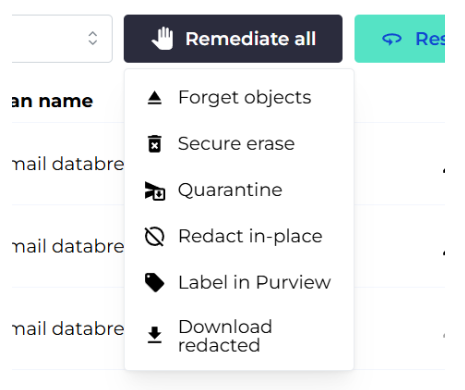
That means that all PII Tools users who also use Purview can automatically add their crucial sensitivity labels to all relevant documents in bulk with a single click! No more false positives, no more manual reviews, no more wasted time.
Automate Sensitivity Labels in PII Tools
By adding this convenient feature, PII Tools users can leverage the power and flexibility of the software’s data scanning with Microsoft’s often complicated world of data governance and DLP.
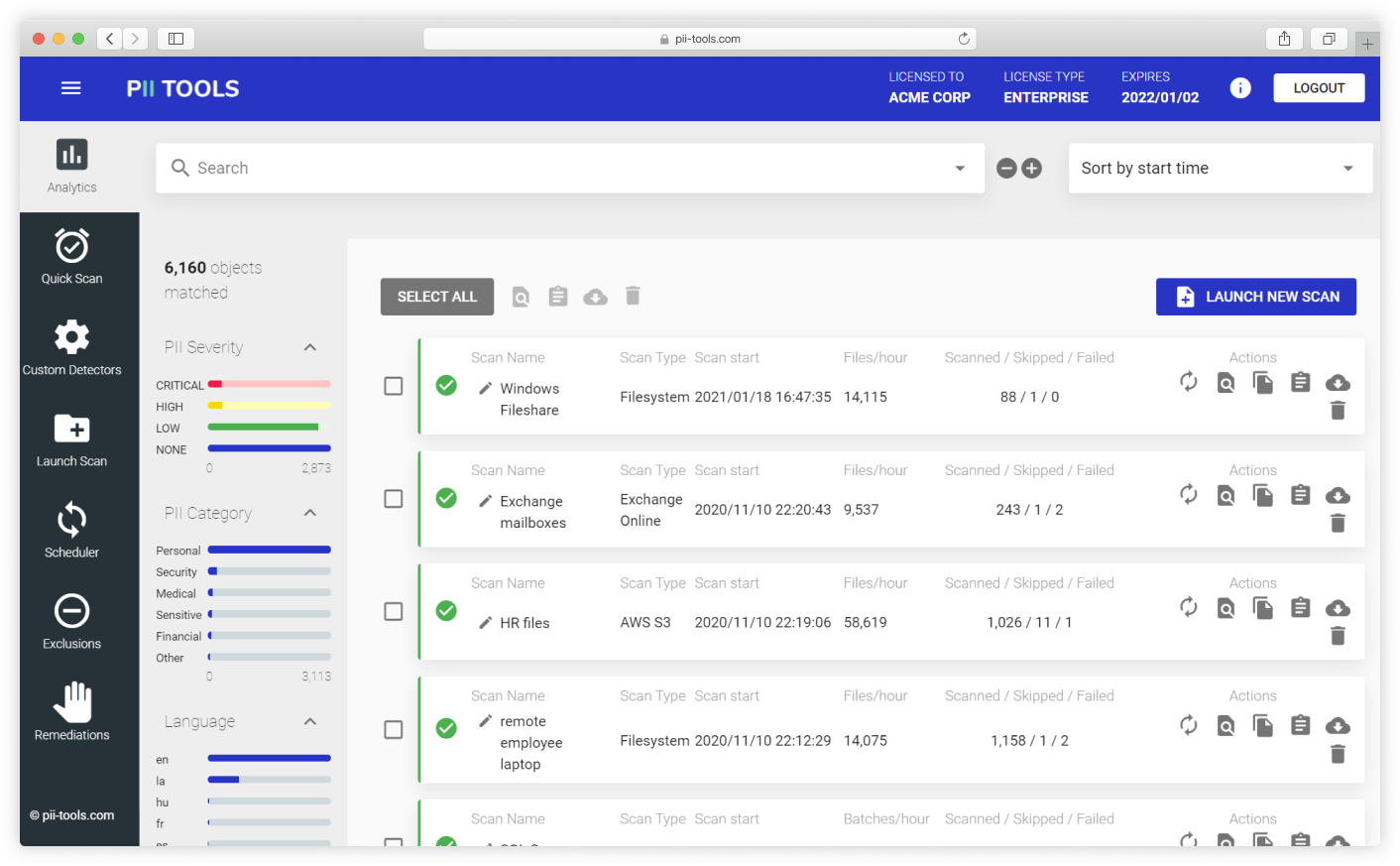
Never fumble through Microsoft Purview’s sensitivity labels again, and streamline your workflow instead. Now you can feel confident that every critical document and file is marked with the right label – automatically and on the first try.
Reach out to our PII Tools Support Team and ask about Microsoft Purivew integration!
Or Schedule a Free PII Tools Demo and Get Hands-On with Automated Purview Labeling!